


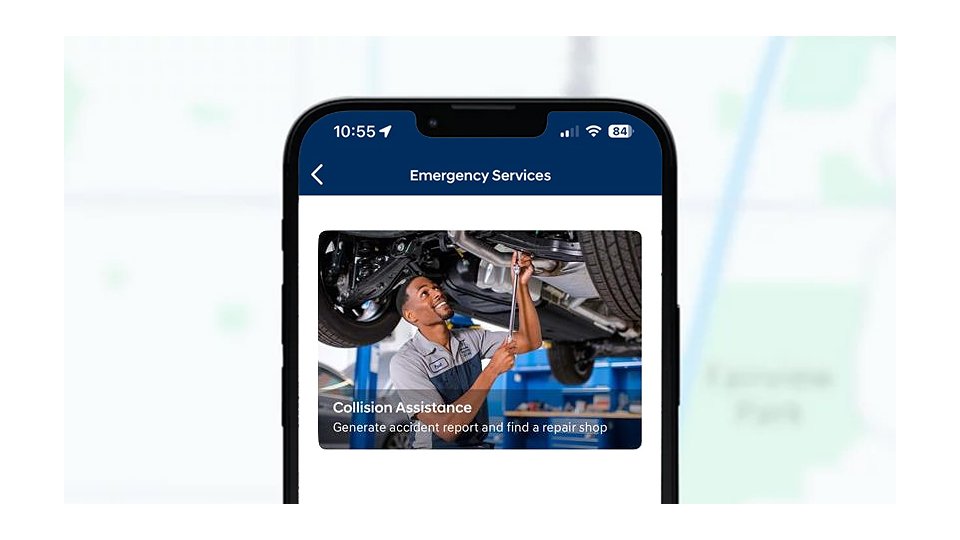
SOS Emergency
Peace of mind comes from round-the-clock SOS emergency assistance and seamless connections with your nearest Hyundai Certified Collision Center.

Remote access with seamless connectivity.
Bluelink+ is our connected car service that’s available for 2023 IONIQ 6 and new Bluelink-equipped Hyundai vehicles starting with the 2024 model year. It has the great features you love about Bluelink, so you can remotely start your vehicle, lock or unlock doors, schedule battery charging if you own an EV, and more. And it’s all at no additional cost for the original owner, which can save you up to $350 or more per year.
For most 2023 and older models, Bluelink® Connected Car Service is available at a low monthly fee.
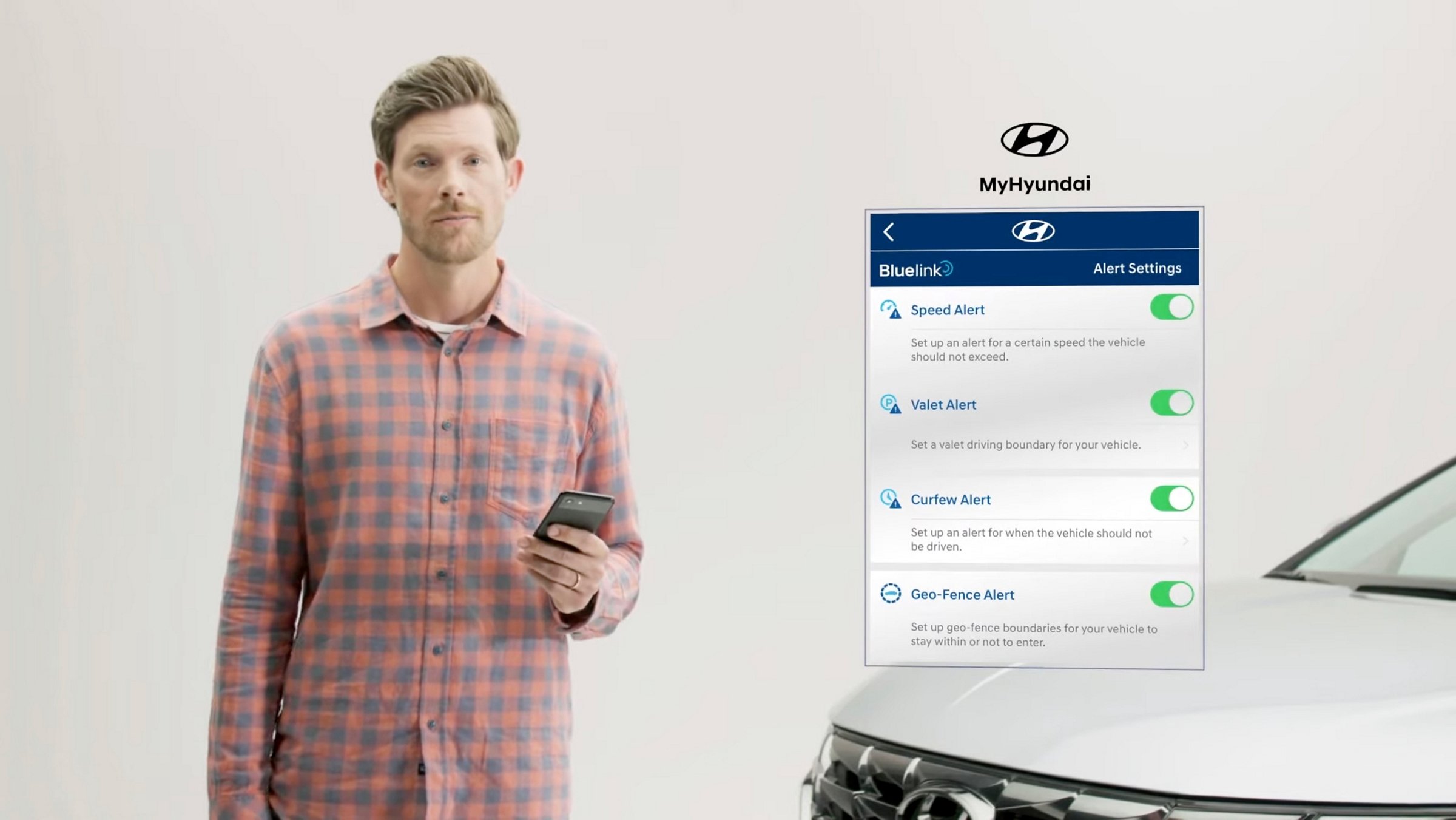
Watch our helpful Hyundai Bluelink video to learn about its remote comfort settings, connected safety features, and convenient mobile access.
Peace of mind comes from round-the-clock SOS emergency assistance and seamless connections with your nearest Hyundai Certified Collision Center.
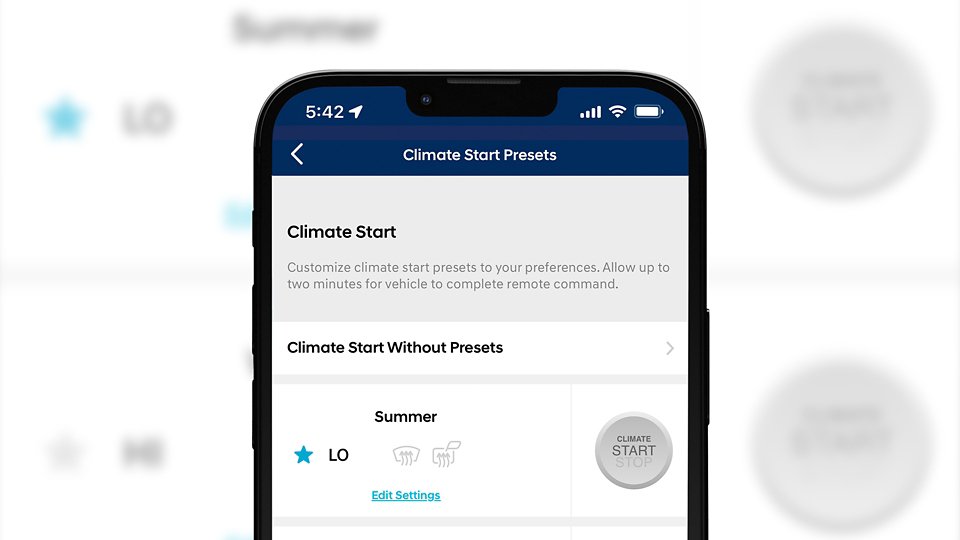
Remotely starting your Hyundai’s engine, warming or cooling the cabin and turning on the defroster is as easy as a few taps in the app or saying “Alexa, start my car and set the temperature to 75 degrees.”
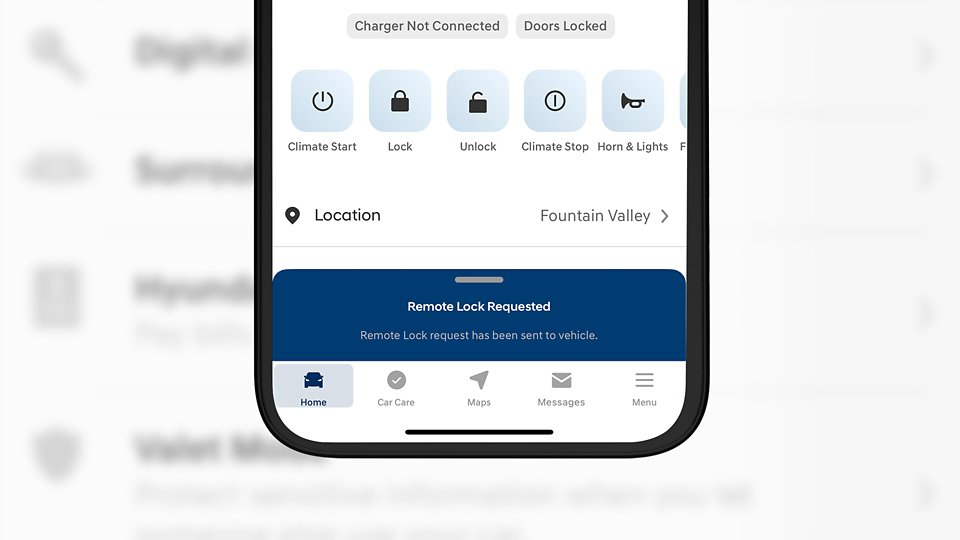
With a simple command and your PIN, you can lock and unlock your Hyundai using your smartphone, smartwatch or even your connected home device.
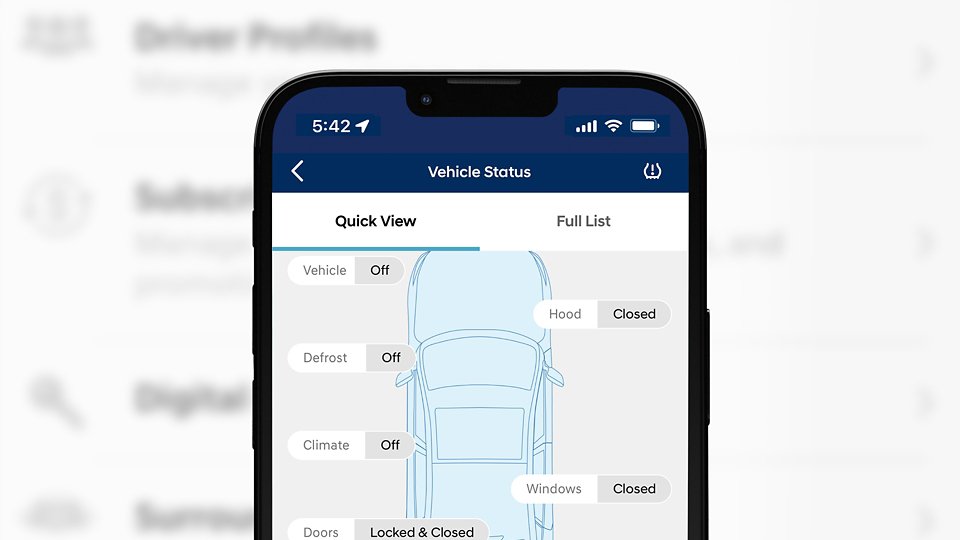
Run a full vehicle diagnostic check directly from your Hyundai’s touchscreen. If an issue is found, you can schedule service by pressing the Service Link button on the rearview mirror, and the details will be sent to your preferred dealer.
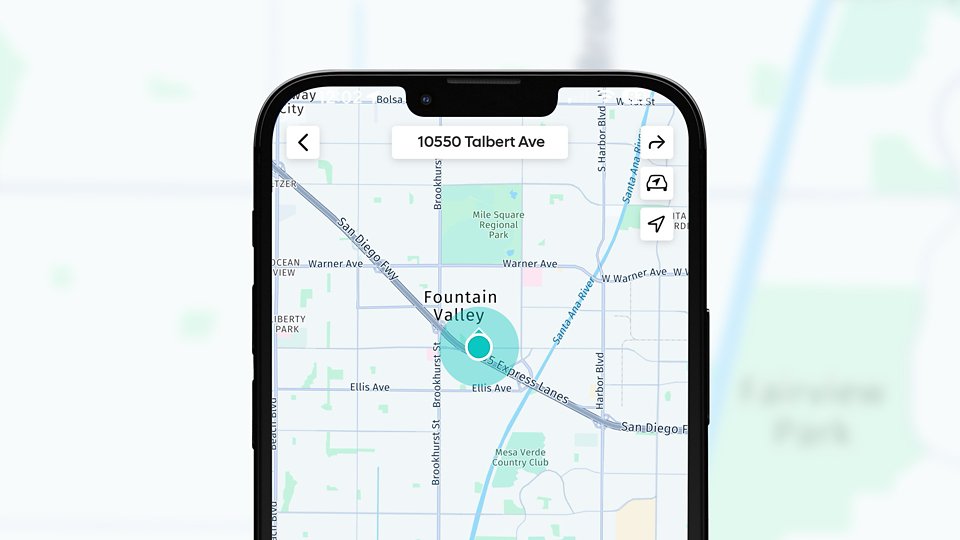
You can use the MyHyundai app from anywhere, or use voice commands in your vehicle to search for destinations. Bluelink then syncs with your navigation system, so your route is ready to go when you are. You can even save multiple destinations for easy access later.
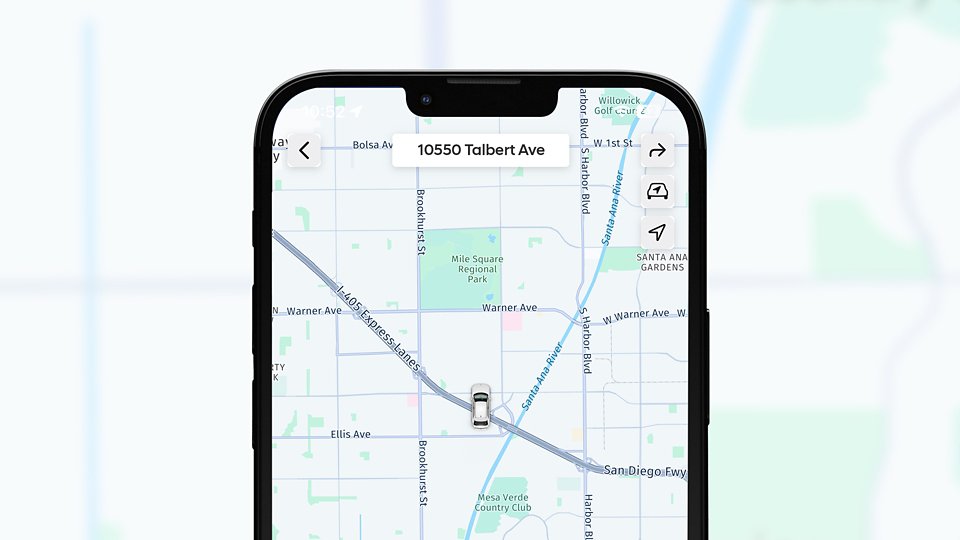
See exactly where you parked without dropping a pin. Bluelink can show you exactly where you parked and makes dropping a pin even easier for the next time.
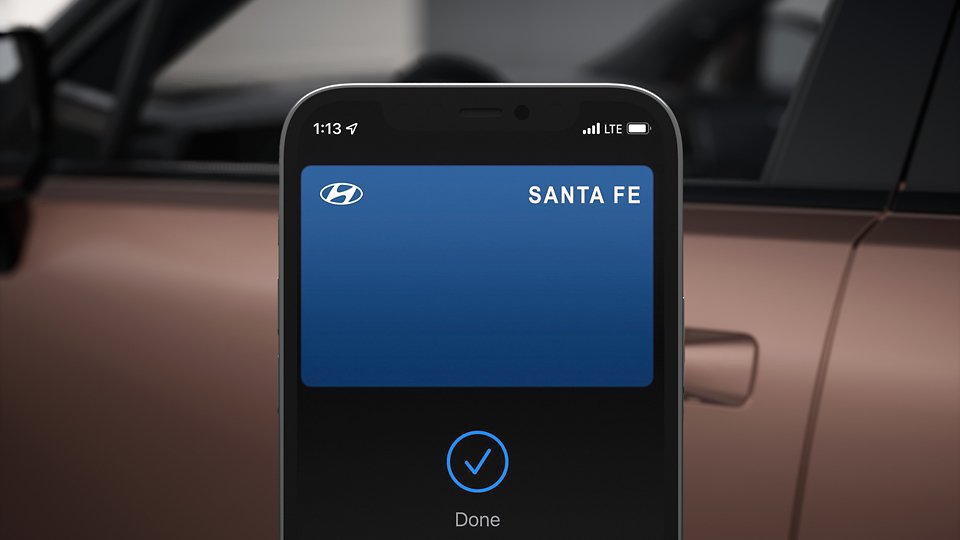
Use your phone or smartwatch to lock and unlock your doors, start your vehicle, and more. You can also share your digital key with family and friends. Currently compatible with select Apple, Google, and Samsung devices.
Control your plug-in hybrid or electric vehicle’s charging remotely and even schedule charging at a specific time to take advantage of low-demand hours and rates.
Take the guesswork out of calling for help. Bluelink can give your exact location to a Roadside Assistance associate.

Proud parent of a teen driver? Help keep them safe with custom, preset notifications of when they’re on the move.
Your vehicle can automatically call for help if you’re in an accident. You can also push the SOS button for emergency assistance 24/7, 365 days a year.
Set up automatic text or email notifications to alert yourself, family or friends if your panic button has been triggered.

Conveniently schedule your car for service from the driver seat, without picking up your phone.
Bluelink can assist law enforcement in locating and recovering your vehicle
Make internet happen just about anywhere you go. Get your Wi-Fi devices online through your own in-vehicle hotspot, with an available data plan from Verizon.

Access your Hyundai remotely with your compatible smartwatch or Alexa. Whether it’s starting your vehicle or locking the doors, a simple voice command gets it done—no matter where you are.
Get connected with Bluelink+ today. Start by visiting MyHyundai.com or clicking “register” below. New users will need to create a MyHyundai account, while existing users can simply log in. Follow the simple instructions on the site, then enter your Vehicle Identification Number (VIN). Finally, download or open the MyHyundai with Bluelink app and log in with your MyHyundai account.
Bluelink User Manual and Resources
It’s all here. Everything you need to know about using Bluelink
Connected Car Service.
Bluelink and Bluelink+ both offer the same services, such as being able to remotely start your Hyundai, lock or unlock the doors, schedule EV battery charging and more. The difference is in how you pay for them.
Hyundai Bluelink+ is our connected car system that lets you remotely start, stop, lock, or unlock your vehicle, locate your vehicle, and access real-time diagnostics. It includes safety alerts, geo-fencing, charging management if you own an EV, and more.
To sign up for Bluelink+, create a MyHyundai account or log in to your existing MyHyundai account.
Unfortunately, no. Bluelink+ is available for the 2023 IONIQ 6 and new Bluelink-equipped Hyundai vehicles starting with the 2024 model year.
If your Hyundai is a 2023 model year or older (excluding IONIQ 6), then unfortunately you cannot get Bluelink+. However, you can still enroll in Bluelink at any time as long as your Hyundai is equipped with it. Simply register or log in on the owner’s portal at MyHyundai.com, and click to enroll in Bluelink. You’ll just need your VIN (vehicle identification number located on the driver’s side dashboard) and a credit card.
Bluelink launched on the 2012 SONATA and is currently available on most 2013 through 2023 Hyundai models (excluding IONIQ 6). Vehicles later than 2013 that are not equipped with Bluelink include 2013 - 2017 ACCENT, 2013 ELANTRA sedan and 2013 TUCSON.
Bluelink+ launched with the 2023 IONIQ 6 and will be available on most 2024 Hyundai models moving forward.
Enhanced Roadside Assistance works in conjunction with your vehicle’s Hyundai Assurance 24/7 Roadside Assistance coverage. GPS coordinates for your vehicle will be provided to the Bluelink Customer Care agent when making a Roadside Assistance call from inside the vehicle using the Bluelink button.
If your Hyundai vehicle is stolen, file a stolen vehicle report with your local police department immediately. The Bluelink Customer Care agent will need a report number to help police find the location of your vehicle.
Bluelink for iPhone® - OS 13.6 and above
Bluelink for Apple Watch® - OS 2.0 and above
Bluelink for Android smartphones - OS 12 and above
Bluelink+ is an embedded system, which means that you will be able to use most of the features without the need to have your cell phone in the car. However, some functions are enhanced with your cell phone through the mobile application like remote features.
The mobile app supports both Apple Watch and Android Wear smartwatches like the Samsung Gear Live, Moto 360, LG G Watch and the LG G R Watch. Additionally, all vehicles equipped with Bluelink or Bluelink+ are supported by the smartwatch app.
With Bluelink+, original owners can access these great features at no cost. New buyers benefit from services like remote diagnostics, emergency help, and vehicle health updates without any recurring fees. For certified pre-owned vehicles, owners receive the Bluelink+ Advanced package free for the first year, while the Basic package remains free for life. Used car buyers receive a three-month trial of the Advanced package, with the Basic package always included at no cost.
Hyundai Bluelink+ is available at no cost for the original owners of the 2023 IONIQ 6 plus 2024 and newer Bluelink-equipped Hyundai models.
You can remote start a Hyundai vehicle without Bluelink+ if your model is equipped with a remote start button on the key fob. If your key fob has this feature, you can start the engine by locking the car and then pressing and holding the remote start button until the lights flash.